Managing Invoices
View, edit, and track invoice status from draft through to paid. Download PDFs and manage payments.
The Invoicing Hub gives you a complete view of all your invoices and their payment status.
Invoice Statuses
- Draft — Not yet sent; can be edited
- Sent — Marked as sent to client; awaiting payment
- Paid — Payment received
- Overdue — Past due date and unpaid
- Cancelled/Void — Invoice cancelled
Viewing Invoices
Click any invoice row to open the full invoice view with all line items and totals.
Editing a Draft Invoice
While an invoice is in Draft status, you can:
- Click Edit to modify line items
- Add or remove work items
- Change the client
- Use Consolidate to merge similar line items
Updating Status
- Mark as Sent — Record that you've sent the invoice to the client
- Mark as Paid — Record payment received
Downloading PDF
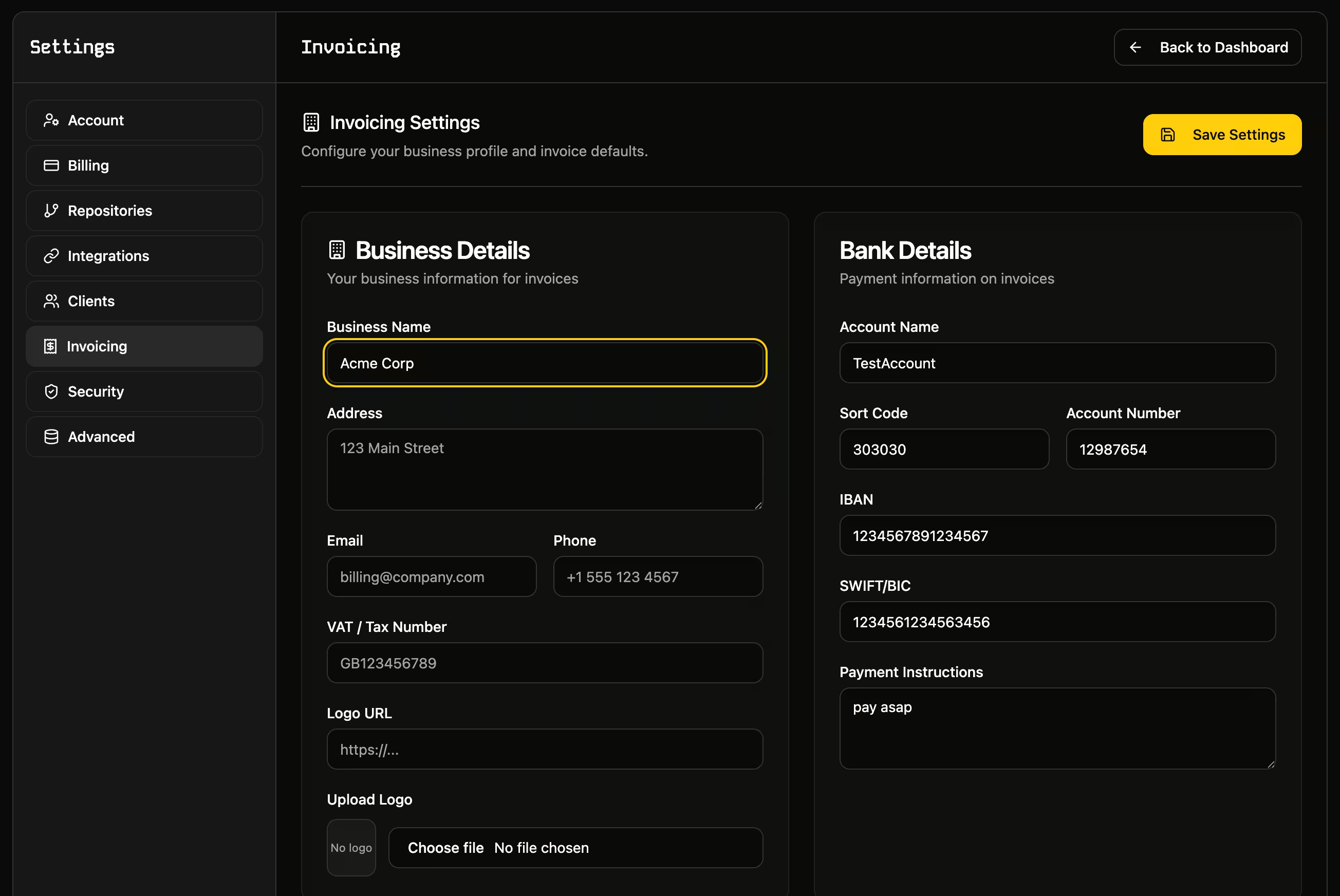
Click the PDF button to download a professional PDF of the invoice. The PDF includes your business details, bank information, and payment instructions from your settings.
Deleting an Invoice
Click the Delete button to remove an invoice. Associated work items will return to the "Ready" state so they can be re-invoiced.
Filtering
Use the tabs (All, Draft, Sent, Paid) and date range filter to find specific invoices.
Was this page helpful?