Time Slice4 agents / 3 repos
4.2xleverage this week
Coding time3h 04m
Session time5h 25m
Coding ratio57%
Agentic Engineering Intelligence
DevClocked measures the time and token cost behind shipped software, capturing editor, terminal, and AI agent sessions from a lightweight extension and CLI tracker and tying them to commits and PRs.Set it and forget it.
Why we exist
Legacytrackerscounthours.DevClockedunderstandsoutput. EveryIDEedit,terminalcommand,ClaudeCodesession,andAIinteraction
 —unifiedintooneintelligencelayer.Finallyseewhatyouactuallyship.
The thesis
Leverage is the ratio of what you shipped to the human hours it took, measured across your work blocks and every agent you ran. DevClocked tells you whether AI is a force multiplier, or just expensive autocomplete.
Tokenomics
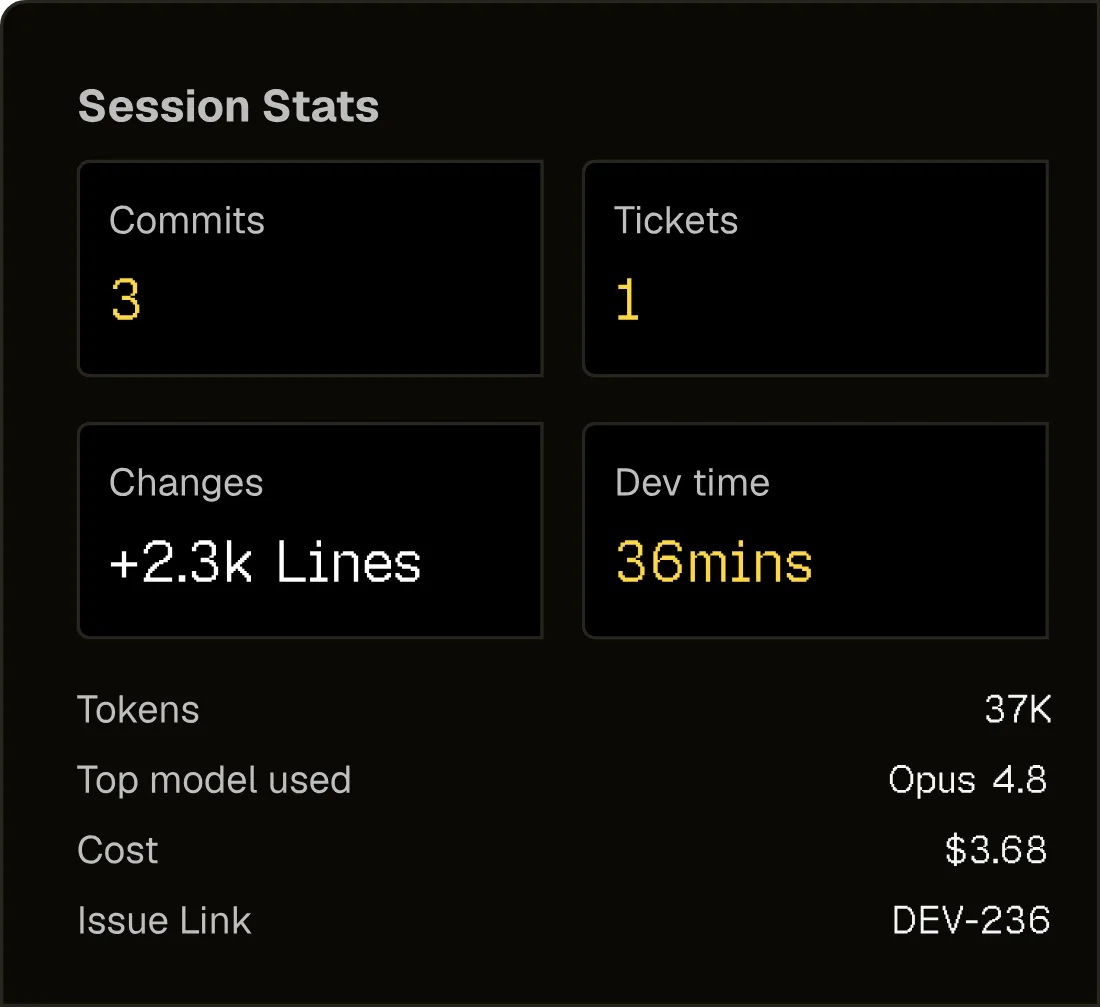
Token spend is a real line item now. DevClocked breaks it down by project, session, and agent so spend ties directly to delivered output.
See whether your AI bill is compounding your output or getting burned on context resets and low-efficiency runs.
Built for how you actually work
Captured at the source across your IDE, terminal, AI assistants, and browser, the moment work happens. No timers, no manual input, nothing to remember.
01 · Automation
02 · Productivity
03 · Analytics
04 · Agents
05 · Projects
06 · Teams
Works everywhere you code
DevClocked meets the team in the IDE, terminal, browser, Git output, and agent runtime, then normalizes it into one operational ledger.
Capture edits, debugging, and assisted coding activity straight from VS Code as you work.
Track Cursor sessions and agent-heavy edits without changing how developers code.
Wrap terminal workflows, Codex, Claude Code, Aider, scripts, and daemon capture.
Tie docs, research, and browser context back to active engineering work.
Track Codex sessions natively and ask about your hours, projects, and weekly progress inside Codex.
Track Claude Code sessions and query your live DevClocked stats without leaving the conversation.
Query your live DevClocked signal: sessions, focus, agent runs, token spend, project context, and shipped output.
npx -y @devclocked/cli@latest setupBeyond the commit
Coding vs config, agent runs, tokens and the leverage they produce, the operational signal Git never records.
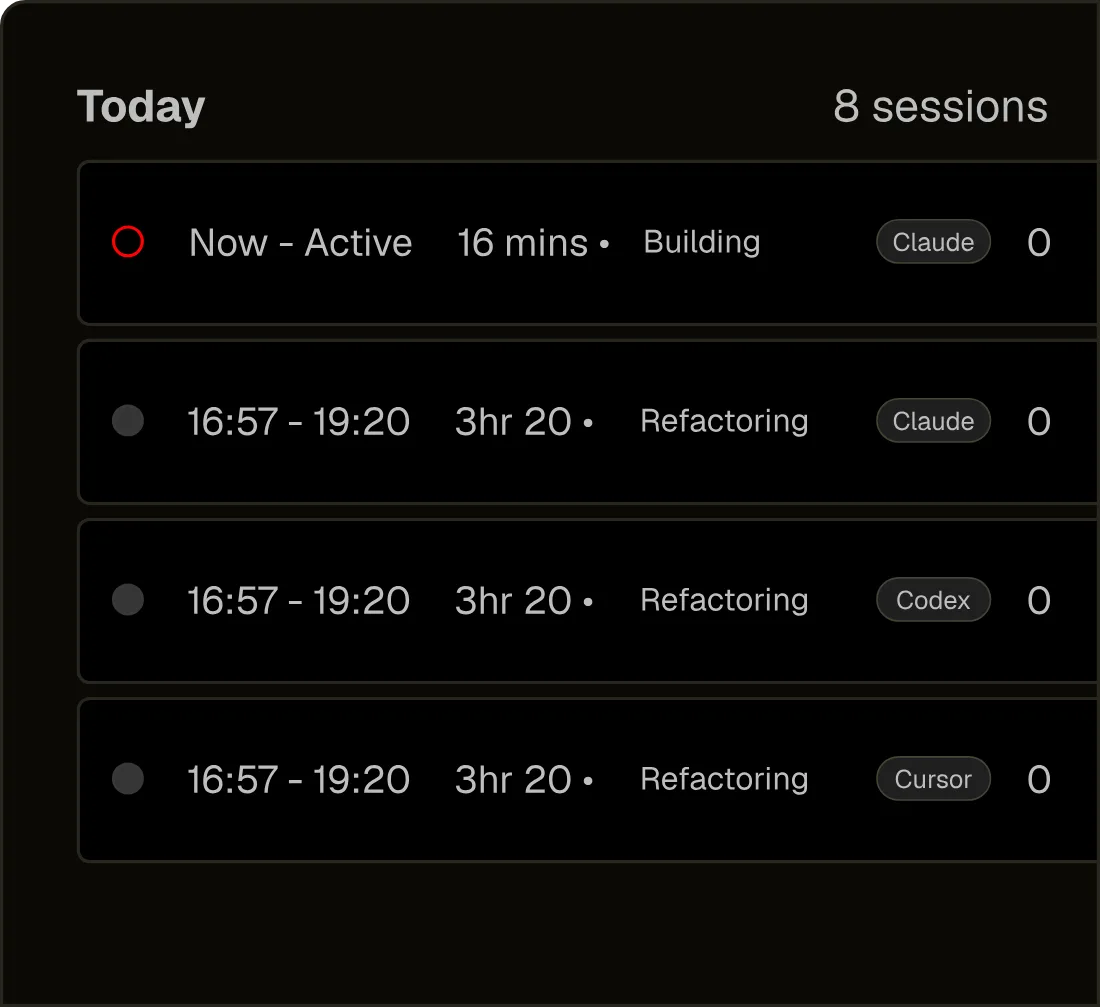
Sessions start in your IDE, terminal, browser, Mac app and agent runtime, never inferred from Git after the fact.
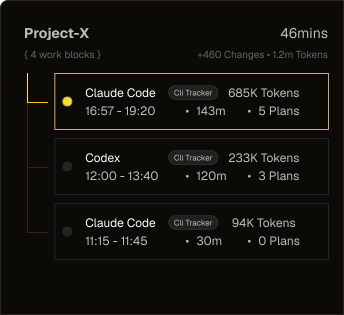
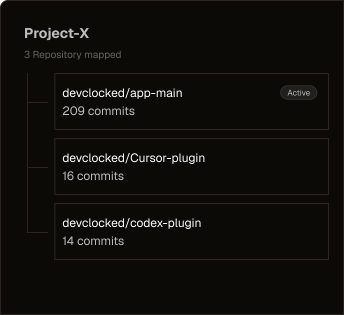
Every shipped feature mapped to the humans, agents, repos, sessions and commits behind it.
Orchestration, review and hands-on coding split apart, so concurrent AI work stops looking like one blurry session.
Model usage translated into project-level cost and cost-per-shipped-output, not another mystery bill.
See whether AI is multiplying real output or just adding context churn and expensive autocomplete.
No screenshots, keystrokes or watching. DevClocked captures operational metadata, not people.
Measure outcomes
DevClocked ties work blocks, agents, token spend, commits, PRs, and shipped evidence back to issues. Linear sync is available now; Jira uses the same provider model as the adapter lands after Linear.
Choose your path
Start with the same source-of-truth work data, then route it to the workflow that matters.
For Developers
See your real day to the minute and prove the leverage behind every commit.
Learn moreFor Teams
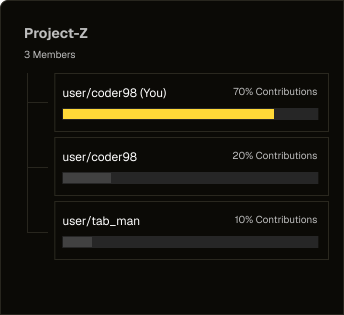
Benchmark leverage and attribute output across every engineer and agent.
Learn moreFor Agencies
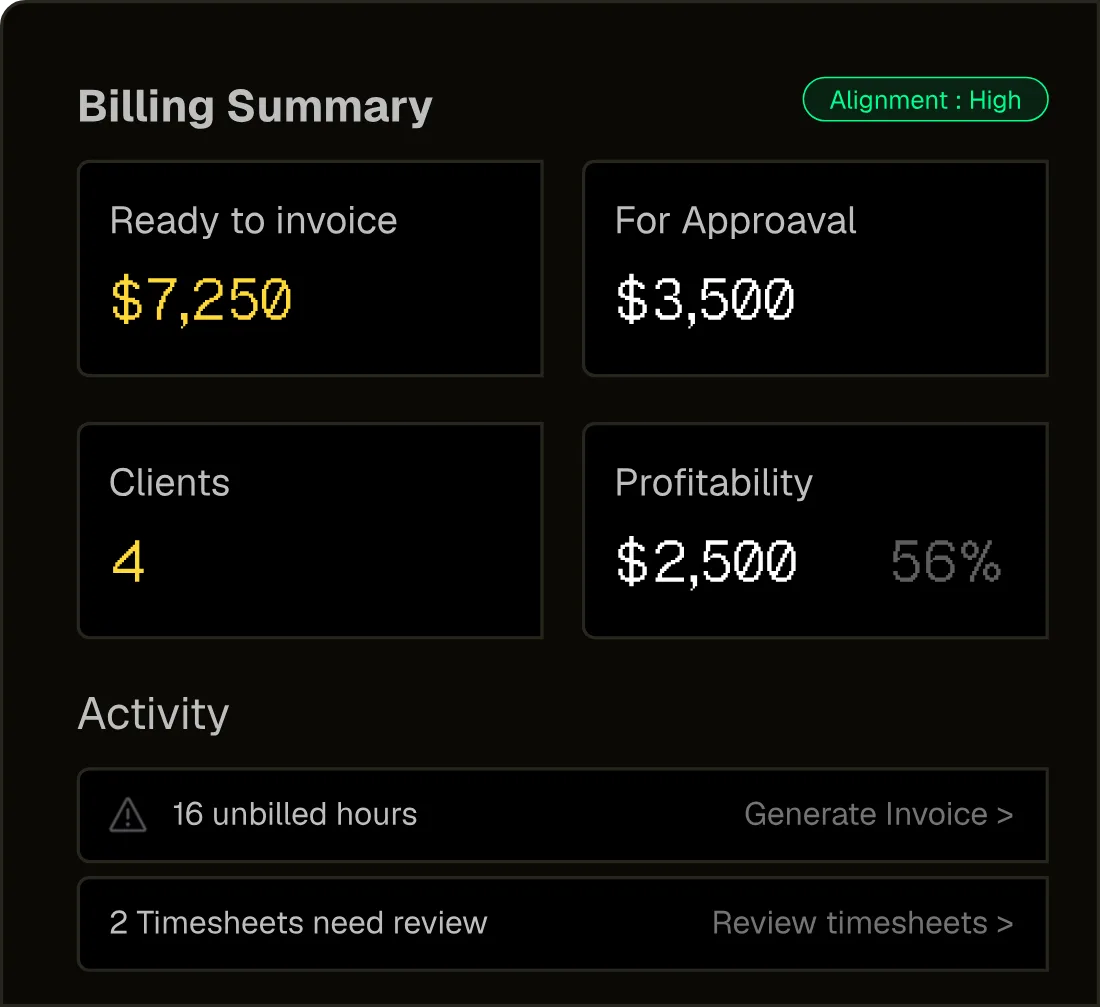
Client-ready, defensible invoices for every billable human and agent hour.
Learn moreDifferent by design
Git-based platforms read the code after it lands. Token counters read the bill. DevClocked measures the work itself.
Pricing
Choose the level of intelligence you need while the launch cohort is gated.
For solo developers who want Time Slice, Work Blocks, Leverage Score, token economics, and multi-repo views.
For power users who need deeper project mapping, advanced reports, exports, unlimited history, and priority support.
For teams that need org dashboards, seat management, team leverage benchmarking, attribution, and admin controls.
Enterprise SSO and SCIM are on the Business roadmap. Ask us if you need a date.
FAQ
Teams love DevClocked
The ability to record all our development work, across multiple agents, has made project visibility infinitely better. I can now fully understand how much time we've been spending.

DevClocked has completely enabled me to really understand how much time it takes to get issues resolved. I now know where every minute is going, and how much it costs.

Before DevClocked, how much time it took to ship features was a complete guess, and there was no understanding of productivity either. That has totally changed now.

Capture real output across every project, every agent, and every line of code, measured at the source.
 Linear
 Jira
Jira