Managing API Keys
Generate and manage API keys to authenticate your VS Code, Chrome, and CLI extensions with DevClocked.
API Keys are used to authenticate your editor and browser extensions securely.
Creating a Key
- Go to Settings > API Keys
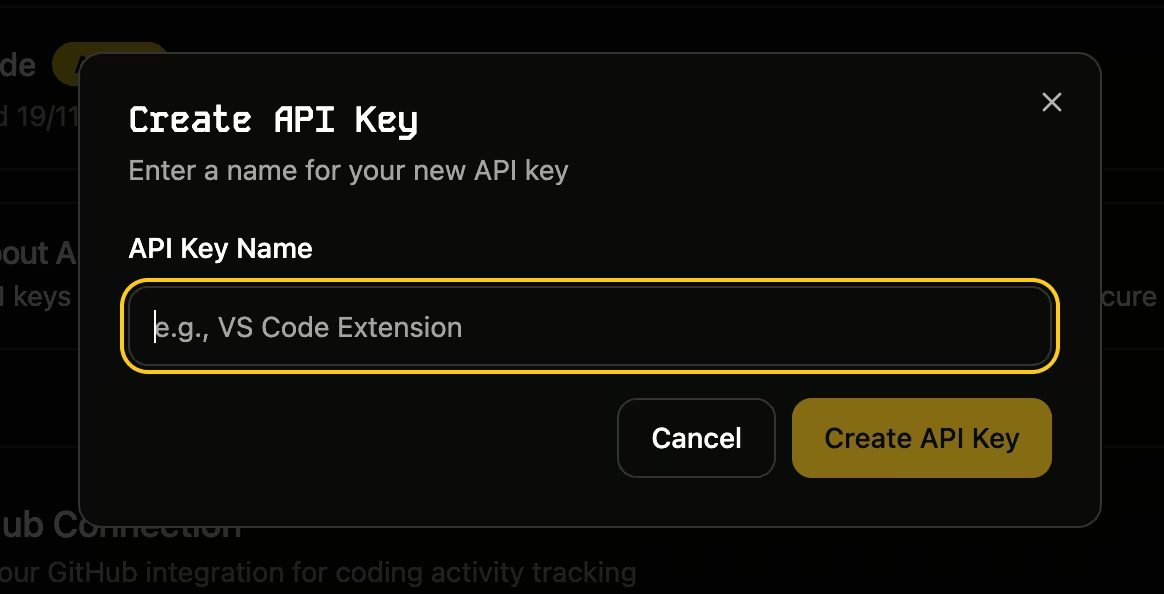
- Enter a name for the key (e.g., "MacBook Pro VS Code")
- Click "Generate Key"
- Copy the key immediately—you won't be able to see it again!
Revoking Keys
If a key is compromised or no longer needed, you can revoke it from the same page. This will immediately stop any extensions using that key from syncing data.
Was this page helpful?