Managing Clients
Add clients, set default rates and billing modes, and link them to your billable projects.
Clients are essential for organizing your billable work and generating invoices. Each client can have their own default rate and billing preferences.
Adding a New Client
You can add clients from multiple places:
- Invoicing Hub — Click "Add Client" in the header
- Project Settings — Click the + button next to the client dropdown when enabling billing
- Timesheets — When prompted about missing client assignments
Client Information
When creating a client, you can provide:
- Client Name (required) — The company or individual's name
- Email — Contact email for invoices
- Address — Billing address shown on invoices
- Default Rate — Hourly rate in dollars
- Billing Mode — Hourly, Fixed Fee, or Mixed
Billing Modes
- Hourly — Bill based on tracked hours × rate
- Fixed Fee — Bill a set amount regardless of hours
- Mixed — Combine hourly and fixed-fee line items
Linking Clients to Projects
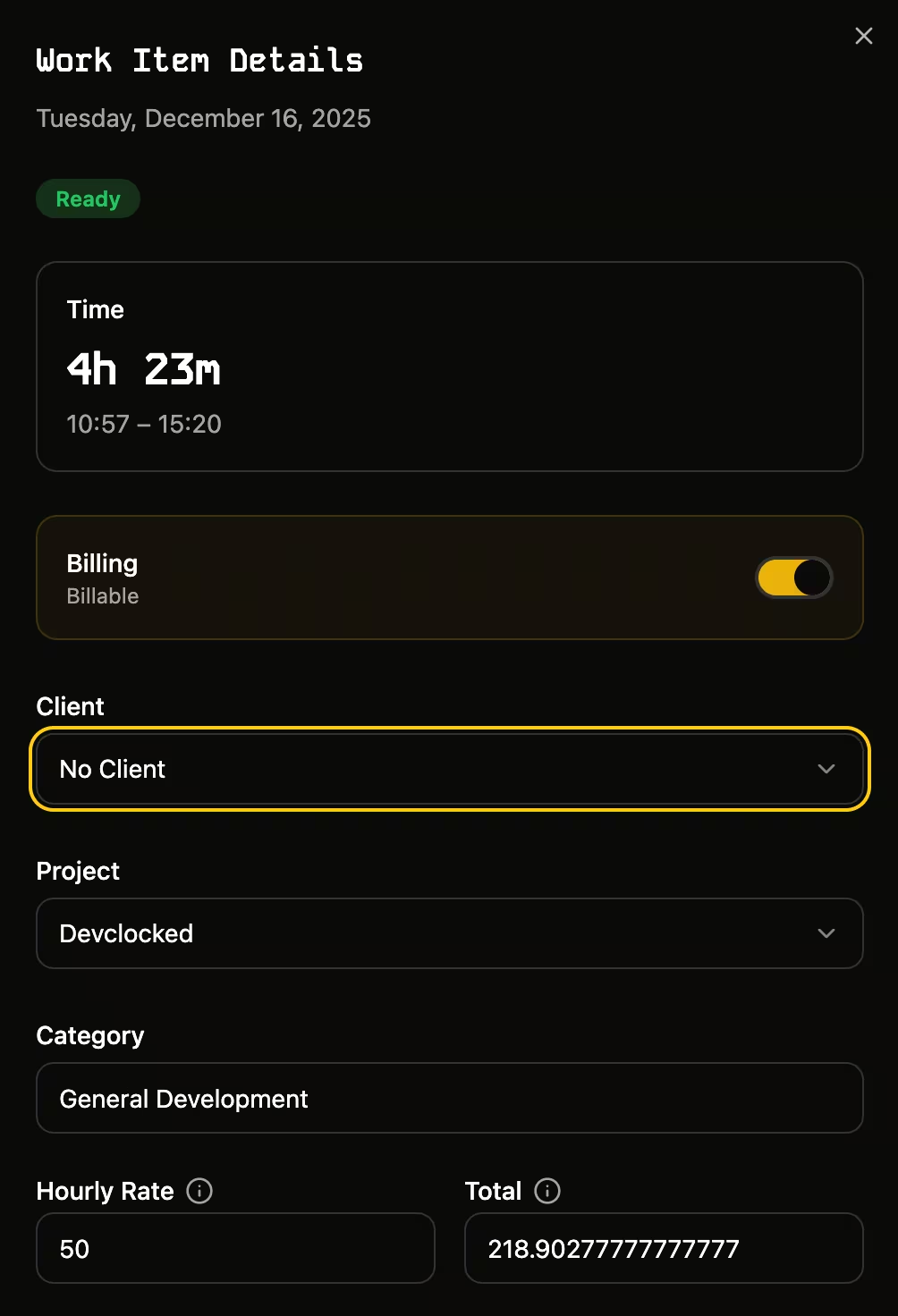
Once a client is created, you can assign them to one or more billable projects. All sessions tracked under those projects will automatically be associated with that client in your timesheets.
Was this page helpful?