Quick Answer: Time tracking from git commits works by reading commit timestamps and grouping commits that fall close together into "sessions," then estimating how long each session took. It is a useful, zero-setup benchmark of when you worked and roughly how much. It is not an accurate clock, because a single commit can hide an hour of thinking and an AI agent can produce a huge commit in seconds. Use commit history for the shape of your work, and add lightweight telemetry when you need real hours.
If you have ever tried to reconstruct how long a feature took by scrolling back through git log, you already know the appeal and the catch. The data is right there, free, and honest about *when* code landed. The problem is everything that happened between the commits, which git never saw.
What "time tracking from git commits" measures
Most people reach for this when a client asks how long something took, or when they want their own coding hours without babysitting a timer. Git commits give you a stream of timestamps, and almost every method built on top of them is some variation of one idea: turn those timestamps into time intervals.
A commit records an author date down to the second. That single fact is the entire foundation. Everything else, the session grouping, the gap rules, the per-commit estimates, is interpretation layered on top of timestamps. This is why two tools reading the same repo can report different hours: they disagree on the rules, not the data.
The honest framing is that commit history is a record of *outputs landing*, not *effort spent*. You will often see the two confused, and that confusion is where bad invoices and inflated estimates come from.
The three common methods (and how accurate each is)
There are really only three approaches in the wild, and they sit on a spectrum from "instant but rough" to "manual but defensible." Here is how they compare before we get into each one.
| Method | Setup | What it reads | Accuracy | Best for |
|---|---|---|---|---|
| Session grouping (gap heuristic) | None | Commit timestamps only | Low to medium | A quick benchmark of when and roughly how long |
| Per-commit fixed estimate | None | Commit count + size | Low | Rough order-of-magnitude only |
| Commit baseline + telemetry | Lightweight CLI or extension | Timestamps plus real activity events | High | Invoices, real hours, AI-vs-human split |
1. Session grouping with a gap heuristic
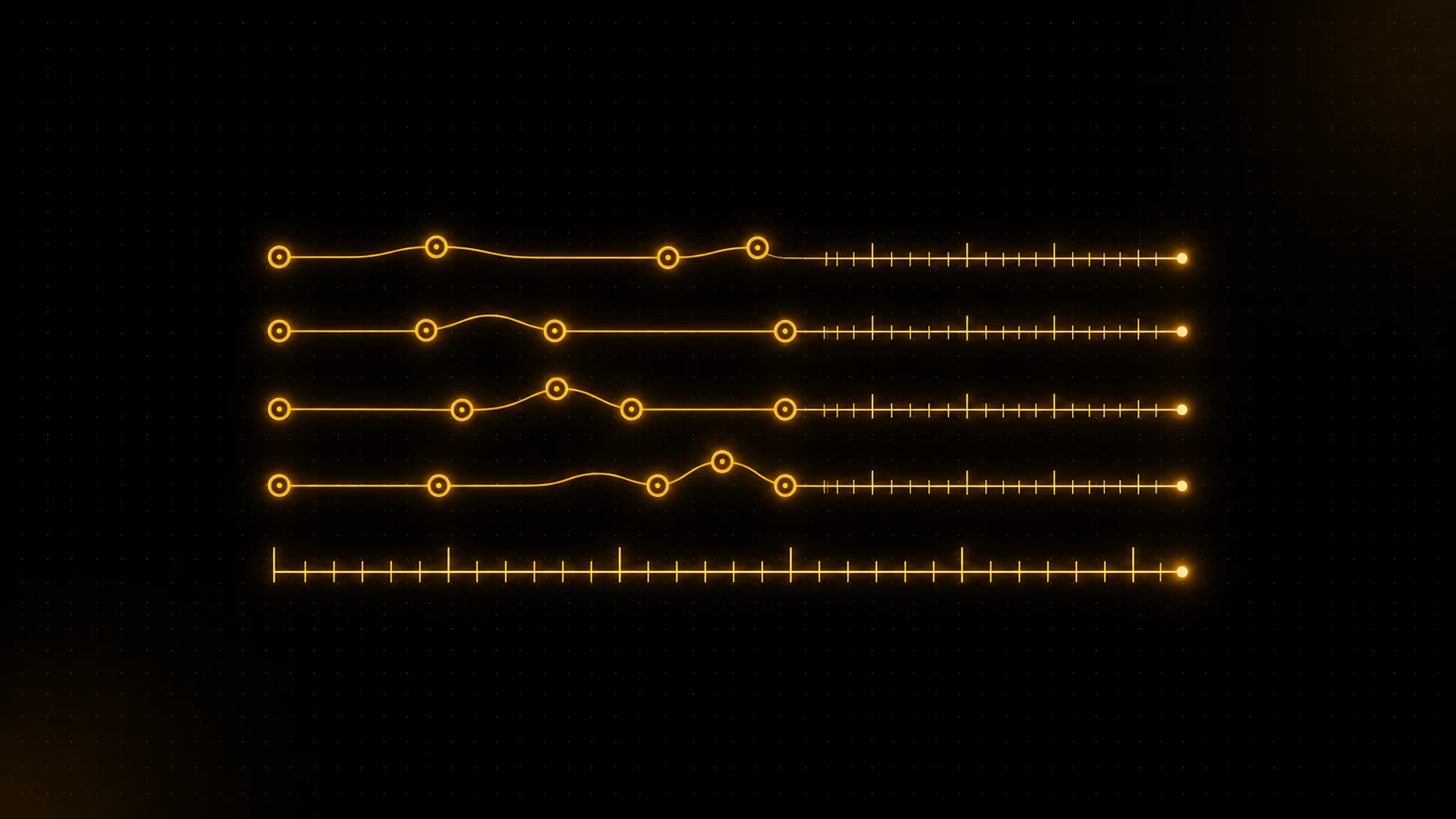
This is the method behind most "estimate time from git" scripts. The tool sorts your commits by time, then walks the list: if the gap between two commits is smaller than a threshold (often 30 minutes), they belong to the same working session. When the gap is larger, it assumes you stopped, and starts a new session. The first commit of each session gets a fixed "ramp-up" allowance (say 15 minutes) because nothing precedes it to measure against.
In practice this is the most useful free method, because it captures the *shape* of a working day reasonably well. If you commit often, it is decent. The weakness is the first commit of every session and any long thinking stretch that ends in one commit, both of which the gap rule has to guess at.
2. Per-commit fixed estimate
The crudest method assigns a flat time value per commit, sometimes scaled by lines changed or files touched. Forty commits times twenty minutes gives you a number, and the number is almost always wrong. This is the approach to avoid for anything that matters.
It breaks worst in 2026, because commit size stopped tracking effort. An agent like Claude Code or Cursor can generate a 600-line commit in under a minute, while a one-line config fix can follow an hour of reading docs. Scaling time by diff size now actively misleads. We dug into this failure in why git commits do not equal actual work.
3. Commit baseline plus telemetry
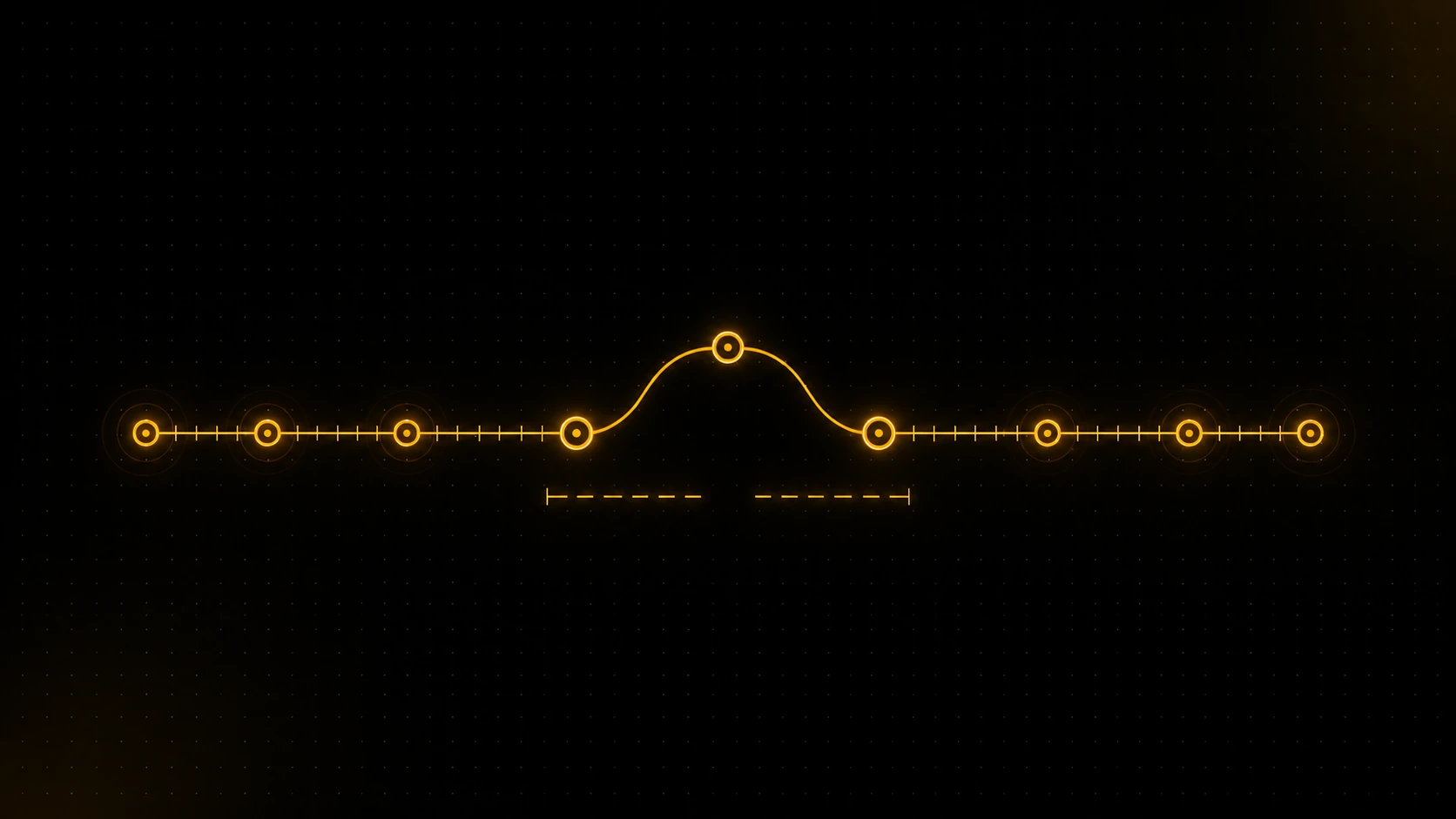
The accurate approach keeps the commit history as a benchmark and adds a thin layer that observes work as it happens. The commit timeline tells you the rough sessions; real activity events (saves, edits, terminal and agent activity) fill in what the gaps were made of. A model learns the relationship between the two over time, so the estimate calibrates to how *you* work rather than to a generic 30-minute rule.
This is the layer that turns "roughly when" into "how long," and it is the difference between a guess you would not defend and a number you would put on an invoice.
Why git alone is a benchmark, not a clock
The reason every commit-only method tops out at "medium" is structural, not a bug you can patch. Git was built to version code, not to watch you work. It records the instant a commit was created and nothing about the time leading up to it.
Three blind spots cause most of the error. The pre-first-commit work (reading, planning, debugging before anything is committed) is invisible. Long thinking that produces one small commit looks like nothing happened. And AI-generated diffs detach commit size from time entirely. None of these are edge cases anymore; they are how most real sessions look.
The commit graph is a set of claims about your work, not a measurement of it. Anyone can reconstruct a plausible story from it, which is exactly why a story built only from commits is so easy to inflate, and so hard to defend when someone pushes back. Real hours come from observing the work, then using commits to cross-check. For the deeper version of this argument, see the pillar on tracking coding time from git.
A practical workflow that does not lie
Most developers do not need a perfect clock; they need a number they can stand behind. If you are tracking your own time, start with session grouping for the shape, then sanity-check it against memory and calendar. If you are billing a client, that is not enough, and pretending it is will eventually cost you a dispute.
The setup that holds up is simple. Let your commit history provide the baseline benchmark with zero setup. Add a lightweight, editor-agnostic tracker so terminal and AI-agent work gets counted instead of guessed at. Then review the combined timeline, which is far harder to argue with than a reconstructed git log. If you do bill from this, the mechanics of turning it into hours are covered in estimating developer hours from commits, and the manual-versus-passive trade-off in git time tracking vs manual timesheets.
Where DevClocked fits
If you just want a rough sense of when you worked last week, you do not need a product. A short script over git log with a 30-minute gap rule will get you there, and for personal curiosity that is genuinely fine. The same is true if your commits are tiny and frequent, because the gap heuristic is at its best when commits are dense.
DevClocked earns its place when the number has to be defensible or when AI does a lot of your typing. It uses your git history as the baseline, adds telemetry from a lightweight editor extension and an editor-agnostic CLI that covers terminal and agentic coding (Claude Code, Cursor, Codex), and learns the relationship between commits and real activity to produce calibrated time. It reports leverage (output per unit of effort), not just hours, and separates AI-driven work from your own, so the time you show is audited to source rather than reconstructed. That is the gap between a guess and proof. WakaTime can also give you accurate time but needs a per-editor plugin and skips the git baseline; if that is your constraint, compare DevClocked vs WakaTime or browse WakaTime alternatives.
Common mistakes
The most common mistake is trusting the gap heuristic's session boundaries as if they were measured. They are inferred, and the first commit of every session is the weakest guess in the whole estimate. The second is scaling time by diff size, which the AI era has fully broken. The third, and the most expensive, is invoicing from a commit-only estimate and assuming a client will never question it. The moment they do, you have no underlying record to point to. A tracked timeline answers that question before it is asked. If you have relied on manual entry instead, why manual timesheets lie covers the other side of the same problem.