What "tracking time from git" actually means
When people search for how to track coding time from git, they are usually hoping their commit history can stand in for a timesheet. It can, partway. A repository is a timestamped trail: each commit records when work landed, and the spacing between commits hints at working sessions. This section covers what that baseline can and cannot tell you.
Quick Answer
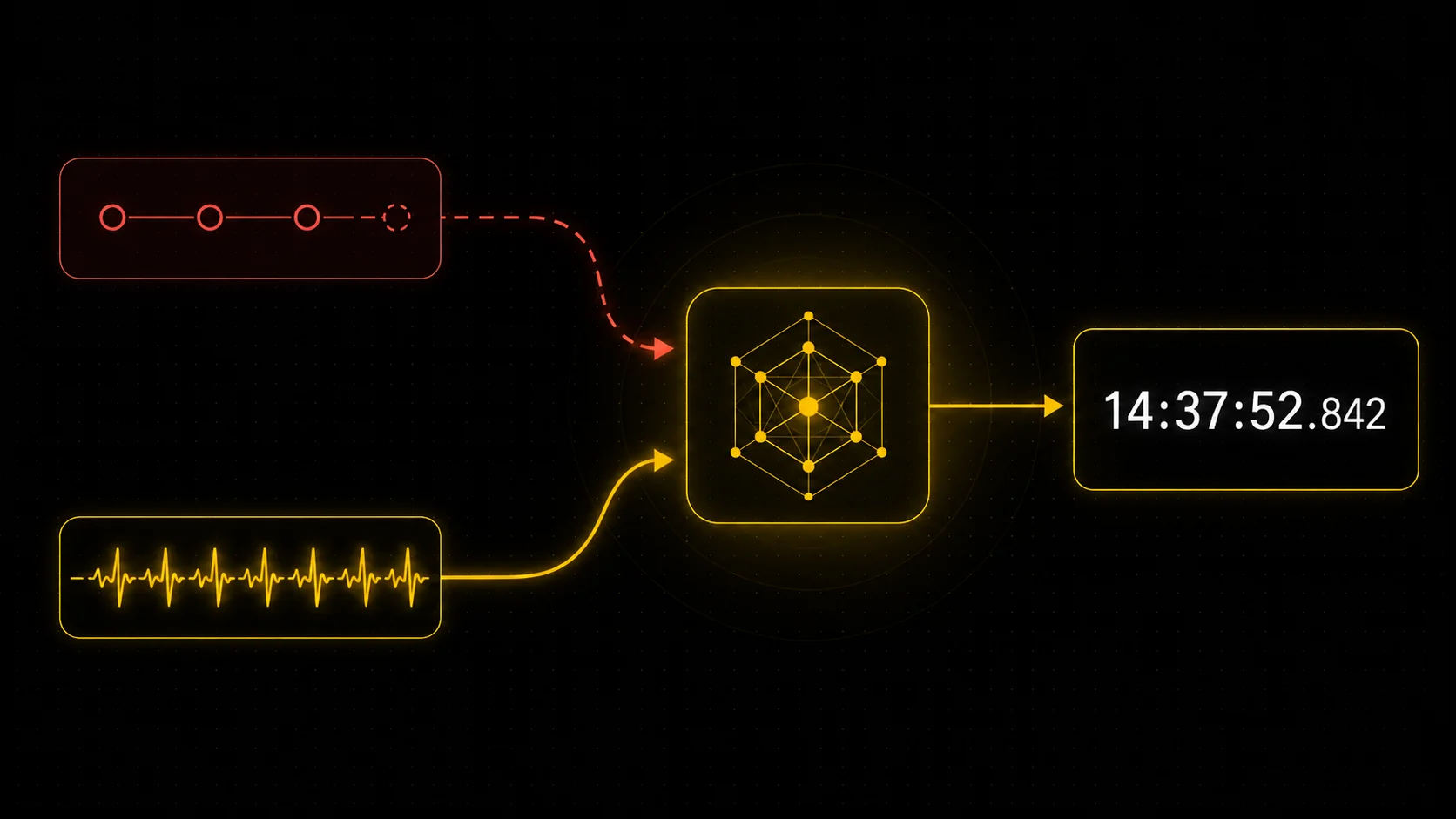
You can estimate coding time from Git by reconstructing work sessions from commit timestamps, and it is a useful baseline. But git alone is no longer an accurate way to measure time. In 2026 a large share of code is generated by AI in seconds, so commit size and lines changed no longer map to effort or hours: a huge diff can be two minutes of work, and a tiny commit can follow an hour of thinking. Git is best treated as a benchmark, not a clock. Accurate time tracking needs telemetry, the real activity signals captured while you work. The honest answer is to use both: a git baseline as a cross-check, and telemetry as the ground truth, fused by a model that learns the relationship between them. Here is how each part works and why the combination beats either alone.
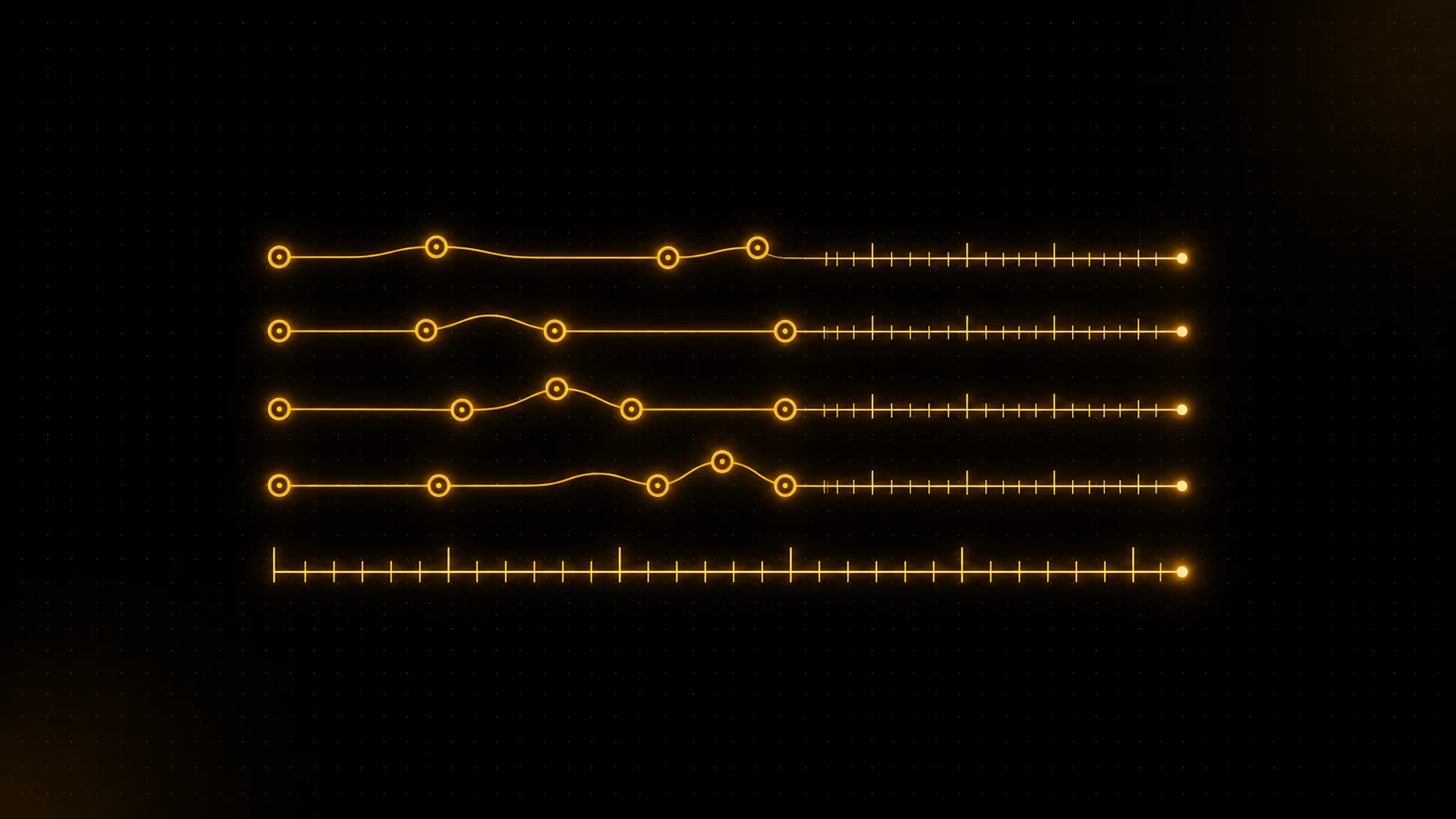
A reasonable git-based estimate does not count commits, because a commit can be five seconds or five hours. Instead it reconstructs sessions: it groups commits that sit close together in time, treats a long quiet gap as the end of a session, and estimates elapsed time from the shape of that activity. Done well, this produces a believable baseline for someone who commits steadily through their work. That baseline is genuinely useful as a benchmark and a sanity check. The trouble starts when you ask it to be accurate on its own.
Why git alone is not enough, especially with AI
Here is the limitation that matters, and it is worth being blunt about because most "track time from git" advice ignores it. Git records output, not effort. The only signals it has are when commits happened and how much changed, and neither reliably maps to time. A developer who commits little and often gives the inference something to work with. Plenty of people squash, batch, or commit erratically, and for them the gaps between commits are noise.
AI made this much worse. An agent like Claude Code, Cursor, or Codex can generate hundreds of lines and an enormous diff in seconds, so a large commit can represent almost no elapsed time. The reverse is just as common: a tiny one-line change can land after an hour of reading, prompting, and deciding. The thing git can see, the size and timing of the diff, has come apart from the thing you want to measure, which is time actually spent. This is the core reason a pure git-based tracker misjudges modern, AI-assisted work. It is measuring the artifact, and the artifact no longer correlates with the hours.
So the honest position is that git is a strong benchmark and a useful cross-check, not an accurate clock. If a tool tells you it can read your real hours from commits alone in 2026, it is guessing, and AI has widened the error.
Why telemetry is the accurate layer
If git infers time after the fact from output, telemetry measures it while it happens, which is the only way to get it right. Telemetry means lightweight activity signals captured as you work: active editing, terminal and agentic sessions, the heartbeat of real engagement. Because it observes the work directly, it reflects elapsed active time regardless of how much or how little code resulted, including the long uncommitted stretches and the AI sessions that produce misleading diffs.
This is the part that actually makes a number trustworthy. Telemetry sees the hour you spent debugging that ended in a one-line fix, and it sees that the giant AI-generated commit took two minutes, precisely the cases where git is fooled. DevClocked captures this through a lightweight editor extension and an editor-agnostic CLI tracker, the latter covering terminal and agentic coding that editor-only tools miss. In a world where code is cheap to generate, watching the work is the only reliable way to measure the work.
How DevClocked combines git and telemetry, and learns from both
The reason DevClocked uses git at all, given its limits, is that the two signals are stronger together than either alone. DevClocked treats git as the benchmark and telemetry as the ground truth for active time, then matches them against each other. An algorithm learns the relationship between commit-level data and telemetry over time, so the system gets better at understanding what a given pattern of commits actually implied about hours.
That learning is the point. Telemetry supplies accuracy, git supplies a durable cross-check and fills in where telemetry is thin, and the model that maps between them improves the more it sees. Over time, the relationship between your commits and your measured time becomes a calibrated estimate rather than a raw guess. It is the difference between reading the diff and hoping, and measuring the work and confirming it against the record. This is also why the result holds up as proof: it is grounded in observed activity, not in commit counts that anyone could pad.
Accuracy and privacy
Because the accurate layer is grounded in real activity rather than memory or diff size, it avoids the two big failure modes of other approaches: the overestimation that comes with manual timesheets, and the AI-driven misreads that come with git-only inference. It is still an estimate, but a calibrated one that improves with use.
On privacy, the signals that matter here are activity and metadata, not the content of your code. DevClocked analyses how and when you work rather than reading your source. As always, confirm a tool's data policy against your own employer or client rules before connecting private repositories or installing a tracker.
Where DevClocked fits
DevClocked is the right fit when you want coding time you can actually trust and use, including as proof of what you shipped. If you connect git only, you get a baseline benchmark with nothing to install, which is fine for a rough picture but will drift the more you lean on AI. For accuracy you add the lightweight editor extension or the CLI tracker, which is one editor-agnostic tracker rather than a separate plugin for every editor, and the model fuses that telemetry with your git history.
Be honest about the boundaries. If you refuse to install any tracker, you are left with the git benchmark alone, and you should treat it as approximate. If your work does not touch git at all, this is not the tool. And if you want your whole non-coding workday tracked, a general tracker fits better. DevClocked earns its place when your work is code, you want an accurate measure rather than a commit-count guess, and you want that measure to double as a record you can stand behind.
Related Guides
- Coding time tracker without an IDE plugin: the editor-agnostic tracker and where git-only falls short.
- Estimate developer hours from commits: using the git benchmark for estimates and invoices, with its caveats.
- Developer time tracking for invoicing: billing from accurate, telemetry-backed hours.
- Best WakaTime alternatives: how the major trackers capture time, compared.