The plugin is the problem, not WakaTime
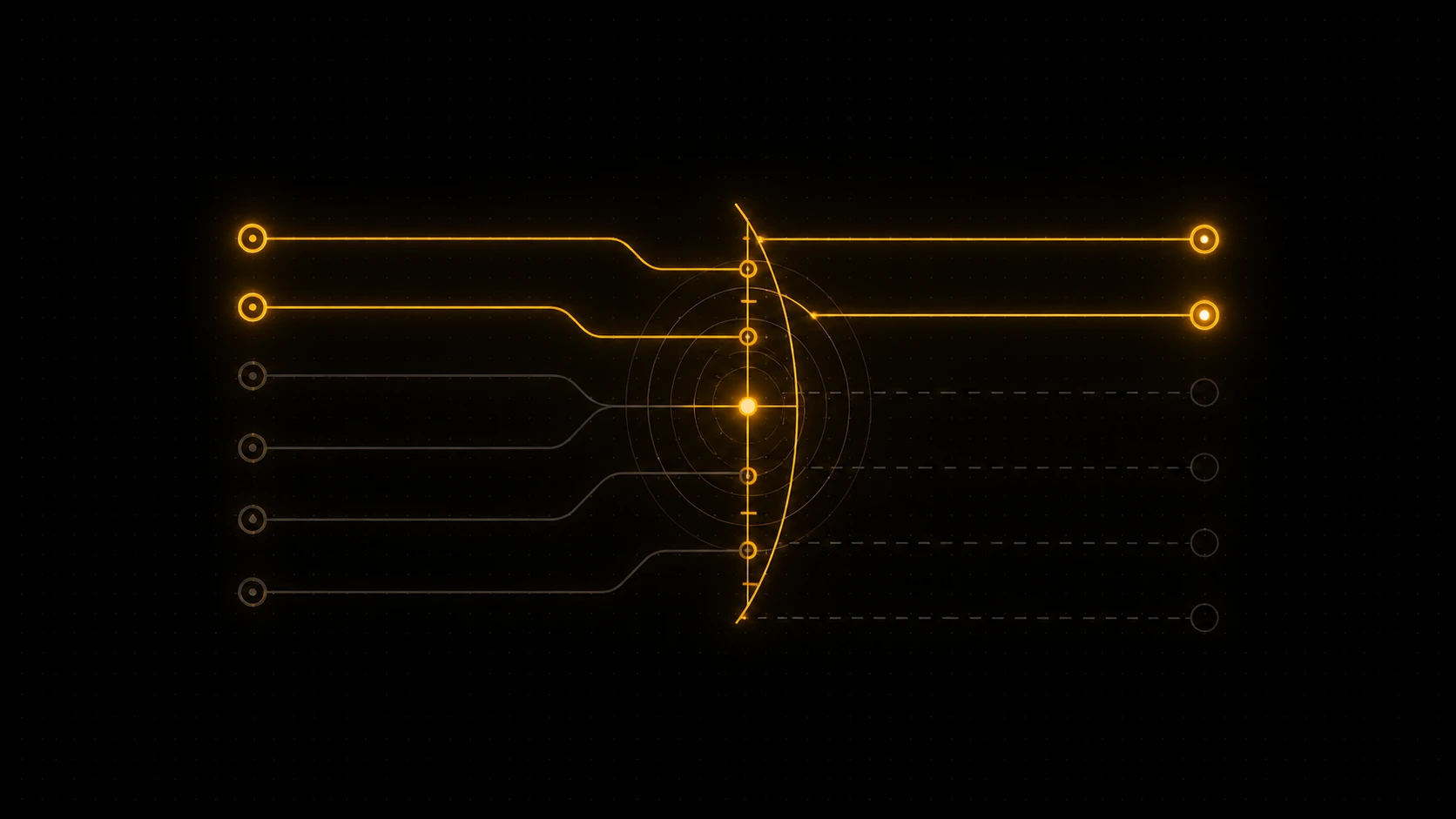
WakaTime is a good tool, and naming the frustration precisely matters: the issue is not the product, it is the mechanism. WakaTime measures coding time through a plugin installed in each editor. That design has a built-in weakness. Your tracking is only as complete as your plugins are installed and maintained, and the moment your work happens somewhere a plugin is not, that work simply does not get counted.
Quick Answer
If you want a WakaTime alternative that does not need an IDE plugin, the answer is a git-based tracker like DevClocked. Instead of installing an extension in every editor, it reads your Git activity and a lightweight CLI tracker, so it captures your coding time across any editor, any machine, and terminal-based AI sessions, with nothing to install per editor. RescueTime and ActivityWatch are also plugin-free, but they track your whole computer at the application level rather than your code, so they answer a different question. Below is why the plugin is the real problem, how the no-plugin approach works, and where it does and does not fit.
In practice this happens constantly. You try a different editor for a project and forget to add the plugin. You pair on a teammate's machine. You set up a new laptop and your first week is invisible. You drop into a terminal to run an agentic coding session, and the editor plugin sees none of it. Each gap is small, and that is exactly why it is dangerous, because you do not notice until you go looking for hours that were never recorded. A record with quiet holes is hard to trust later, whether you are billing or just trying to understand your week.
This is the precise gap a no-plugin alternative is built to close. If the tracking does not depend on you remembering to install something in every place you might code, it stops developing holes.
How a no-plugin, git-based alternative works
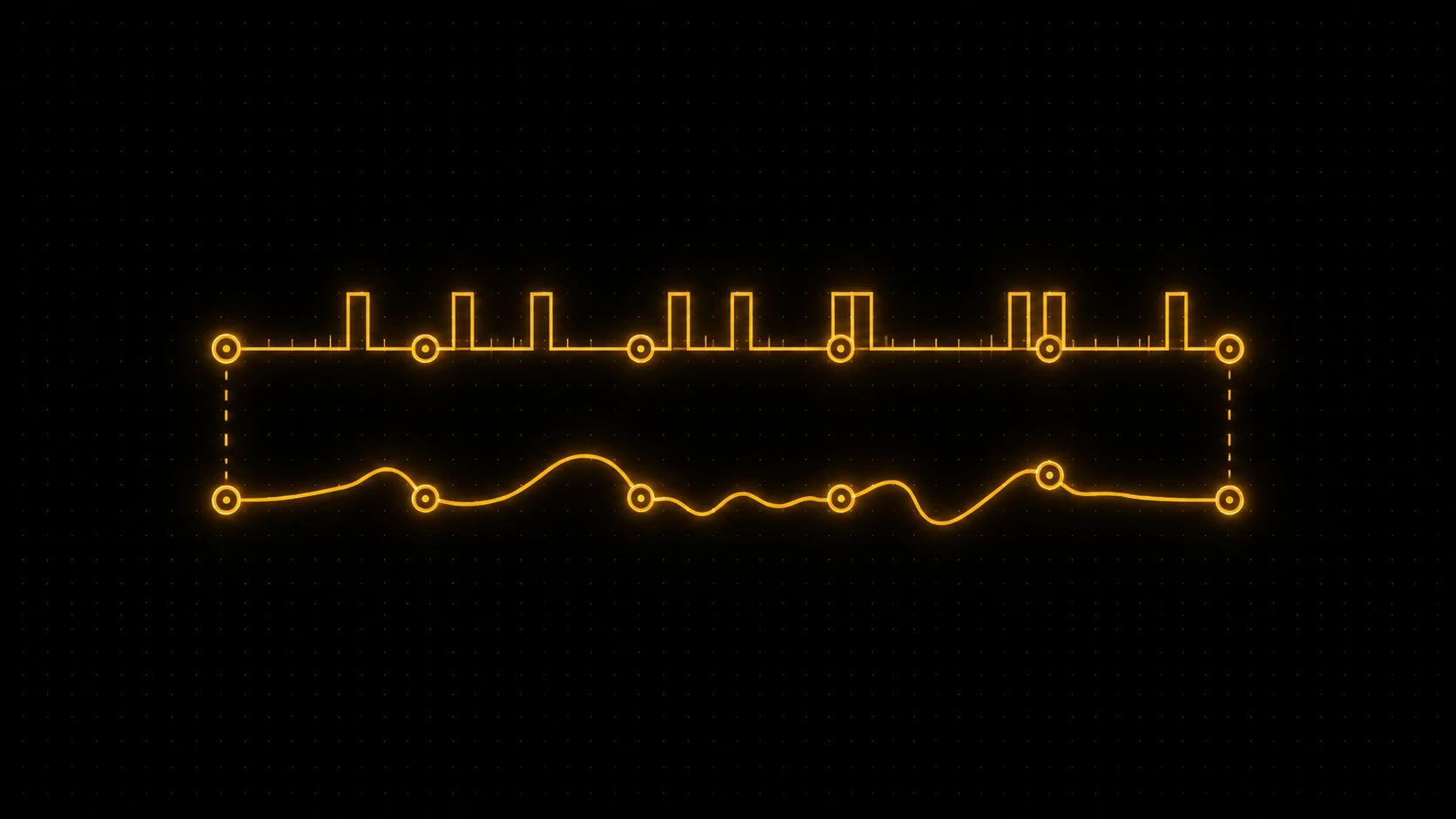
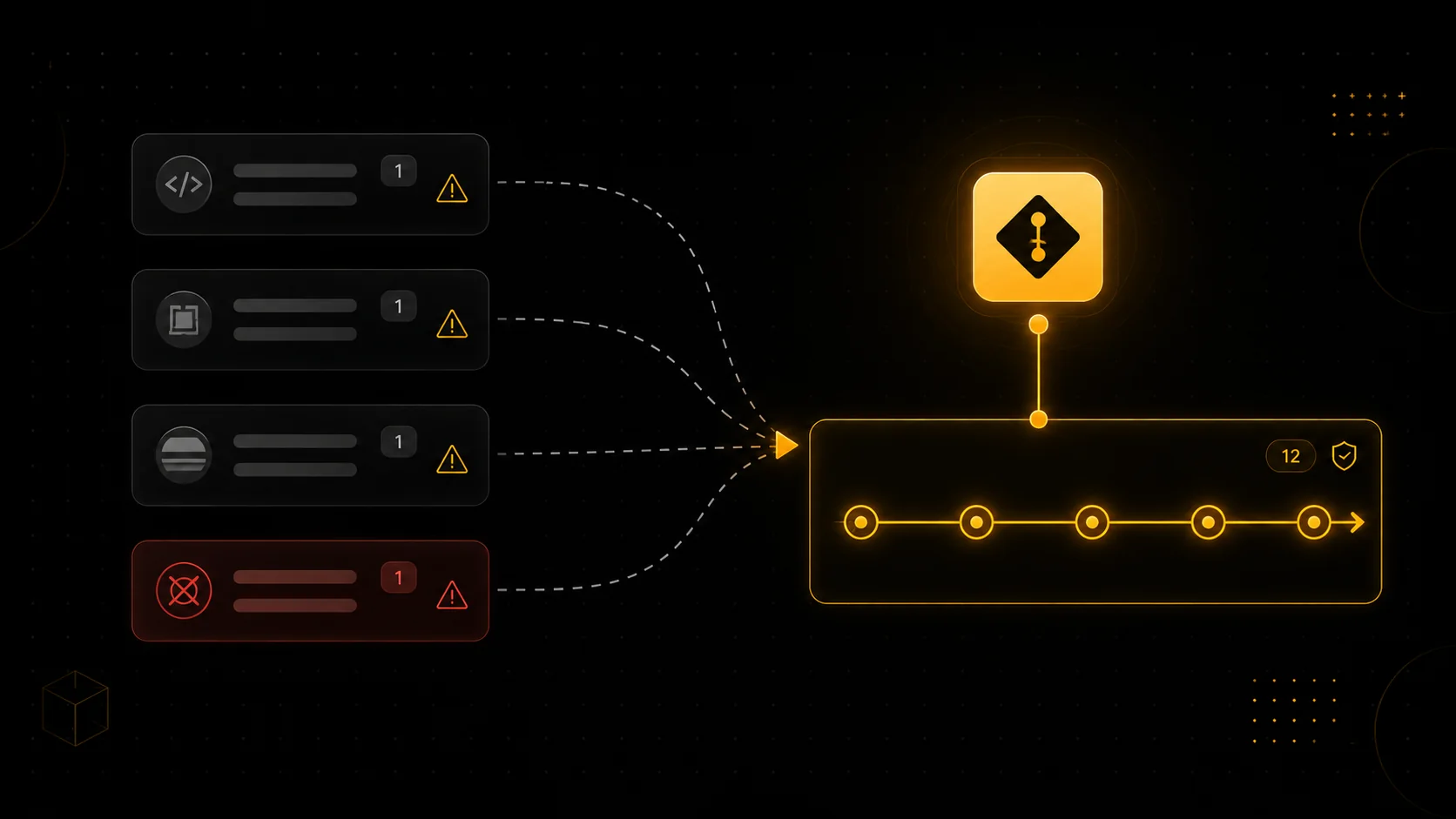
A git-based tracker anchors on the one place all your work converges regardless of editor: your commits. Whatever tool you used to write the code, it lands as commits in a repository, each one timestamped. A git-based tracker reads that trail and reconstructs your working sessions from it, then attributes the time to the right project. Nothing needs to live inside your editor for this to work, which is the entire point.
For the work that does not show up cleanly in commits, like long uncommitted stretches or terminal and agentic sessions, a small CLI tracker fills in the live picture. Between the two, you get coverage that a per-editor plugin structurally cannot match, because it follows where the work lands and what you run, not which editor you happened to open. For the full mechanics, see how to track coding time from git and why a coding time tracker without an IDE plugin holds up better.
DevClocked: the no-plugin option that is still code-aware
The reason DevClocked is the pick here, rather than just any plugin-free tracker, is that it is plugin-free and still code-level. You connect your GitHub activity and optionally add the CLI tracker, and from then on your coding time accumulates automatically across every editor and machine, including AI and terminal sessions that editor plugins miss entirely. There is no extension to install per editor and nothing to reinstall when you switch.
Because the signal is git plus the CLI rather than your editor, two things follow that WakaTime cannot easily offer. Your record has no plugin-shaped gaps, and the same trail that measures your time also becomes proof of what you shipped, audited to source. On privacy, it analyses metadata such as commit timing and activity rather than the content of your code, though as always you should confirm that against your own employer or client rules before connecting private repositories.
What you give up, and the honest alternatives
A no-plugin, git-based approach is not free of trade-offs, and it is worth being straight about them. Because it anchors on git, work that never reaches a commit and is not captured by the CLI is the hardest for it to see, so very long uncommitted sessions can be underestimated. And if your work genuinely does not live in git, this approach has little to read.
There are also two other plugin-free tools worth knowing, because they fit different needs. RescueTime tracks your entire computer without any editor plugin, which is better if you want your whole workday rather than your code specifically, though it is not git-aware or code-aware. ActivityWatch is open source and runs locally with no plugin and no cloud, which is the right call for privacy purists who do not mind setup, though it takes configuration to get code-level insight. If you want the full ranked comparison of all of these, see the best WakaTime alternatives, and for the head-to-head with whole-computer tracking, WakaTime vs RescueTime.
Related Guides
- How to track coding time from git: the mechanism behind plugin-free tracking, explained.
- Coding time tracker without an IDE plugin: why per-editor plugins miss work over time.
- WakaTime vs RescueTime: code-aware versus whole-computer tracking.
- Best WakaTime alternatives: the full ranked comparison.